
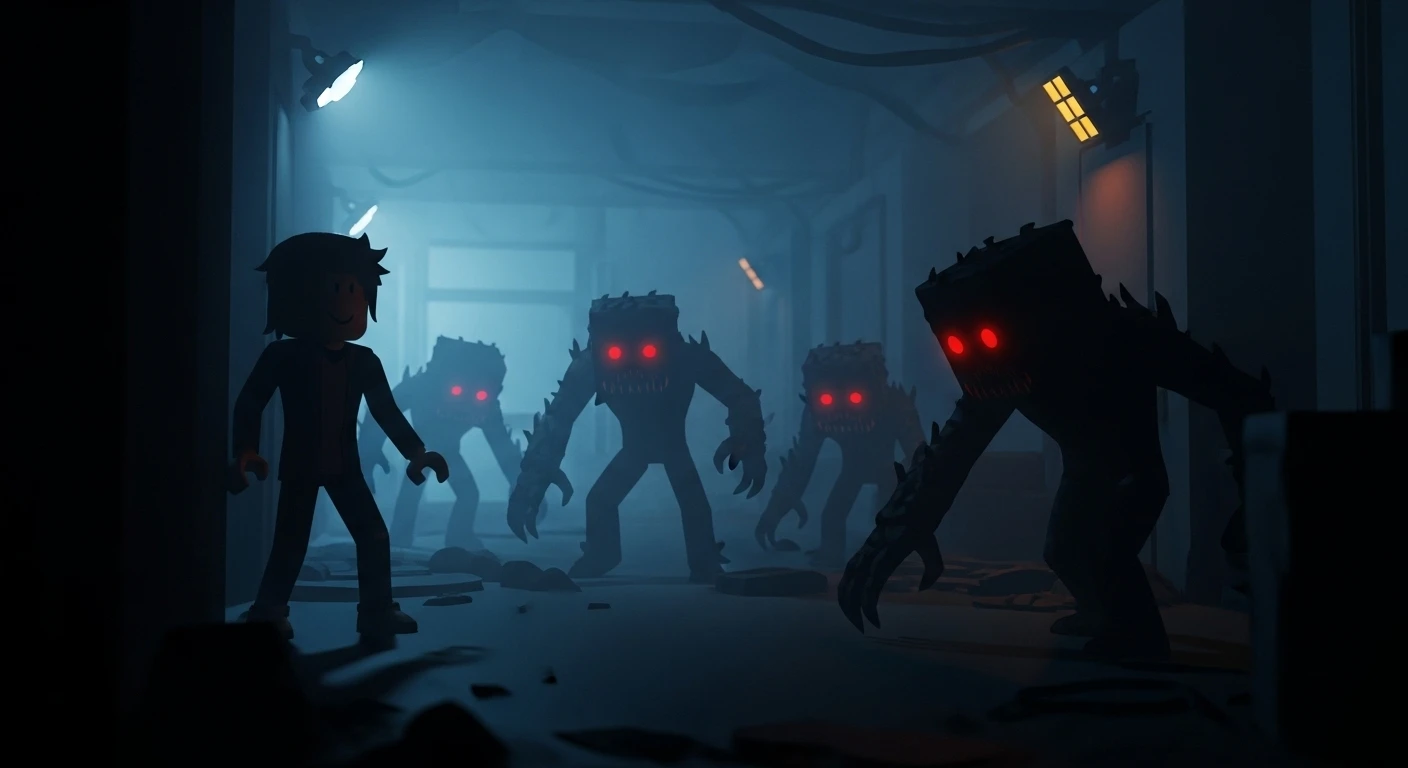

You are playing The Mimic or Pressure, hiding in a dark corner, praying the monster doesn’t see you. Suddenly, you die. Why?
Because you are wearing a Neon Pink Halo and Burning Wings that clip through the wall.
In competitive horror and PvP infection games (like Piggy or Evade), your avatar is your tactical gear. Looking “cool” usually means “dying first.” If you want to survive Nightmare Mode, you need a Stealth Build.
Here is how to optimize your avatar for maximum survival in 2026.
📏 The Myth: “Smaller Avatar = Smaller Hitbox”
Let’s clarify this first.
- The Server Hitbox: In most Roblox games, the actual “hitbox” (the invisible box the monster hits) is the HumanoidRootPart. It is standard size (2x2x1 studs) regardless of whether you look like a giant robot or a tiny plushie.
- The Visual Advantage: However, being small visually helps immensely.
- It makes it harder for the AI (or player killers) to spot you behind crates.
- It tricks players into missing shots in PvP games because they aim at your tiny body instead of the invisible hitbox above you.
🥷 Strategy 1: The “Vantablack” Camouflage
Most horror games use dark environments. If you wear white or neon, you are a flashlight. You want to merge with the shadows.
- Skin Tone: Change your skin tone to Really Black (Color Code: 1,1,1) under the “Advanced” skin tone settings.
- Clothing:
- Search for “Void” or “Vantablack” shirts/pants. These use a specific texture that absorbs light in the Roblox engine, making you look like a flat shadow.
- Cost: 5 Robux each.
- Face: Wear a Faceless mask or just remove your face decal. White eyes reflecting in the dark can give you away.
Tip: Do not use “Glossy” black items (like latex). They reflect light. Use Matte textures.
🐜 Strategy 2: The “Stick” Meta (Visual Thinness)
In games where you have to hide behind thin trees or pillars (Dead by Daylight style games), being thin is better than being small.
The Bundle: Stick Bug or Skelly.
- Why: These bundles have incredibly thin limbs.
- The Advantage: If you hide behind a lamp post, a normal avatar would stick out on the sides. A “Stick” avatar disappears completely.
🚫 Strategy 3: Items to AVOID (The “Kill Me” List)
If you are serious about winning, un-equip these immediately:
- 3D Layered Clothing (Jackets/Dresses): These add bulk. They make you look wider than your hitbox, confusing your movement through doors.
- Particles & Auras: Any item that emits sparkles, fire, or smoke. These particles often glitch through walls/ceilings, revealing your location to the killer on the floor above you.
- Large Back Accessories: Wings, Swords, and Capes.
- The Issue: When you press your back against a wall to hide, your wings will clip through the wall. The monster in the other room will see a pair of wings sticking out of the dry wall and know exactly where you are.
- “Headless” (Controversial): While Headless looks cool, in some games, knowing where your head is helps you know if you are peeking over cover.
🐁 Strategy 4: The “Gnome” Build (Height Scaling)
In 2026, R15 scaling allows you to get very short.
- The Settings: Go to Avatar Editor -> Scale.
- Height & Width: Set to 90% (or lowest allowed).
- Head: Set to 95%.
- The “Jester” or “City Life Woman” Torso: These torsos are naturally smaller than the default “Blocky” torso. Combining the City Life Woman Torso with Gnome Legs creates one of the shortest possible avatars without using glitches.
🎧 Strategy 5: Audio Stealth (Animation Packs)
Did you know some walking animations are louder/more noticeable than others?
- Avoid: Robot Animation Pack (Clunky, jerky movement makes you easy to spot).
- Avoid: Levitation Pack (The floating makes your height unpredictable).
- Use:Ninja Animation Pack or Toy Animation Pack.
- Why: The Ninja run leans forward, effectively lowering your head height while sprinting. It makes you a smaller target during a chase.
💡 “Ultimate Horror” Loadout
If I am speedrunning The Mimic Nightmare Mode, this is what I wear:
- Body: Full “Blocky” R6 (for precise platforming) OR minimal R15 scale.
- Color: Full Matte Black.
- Accessories: NONE. No hat, no hair, no back item.
- Why: I need to see exactly where my character’s feet are for jumps. I need to know that if I can’t see the monster, the monster (hopefully) can’t see me.