
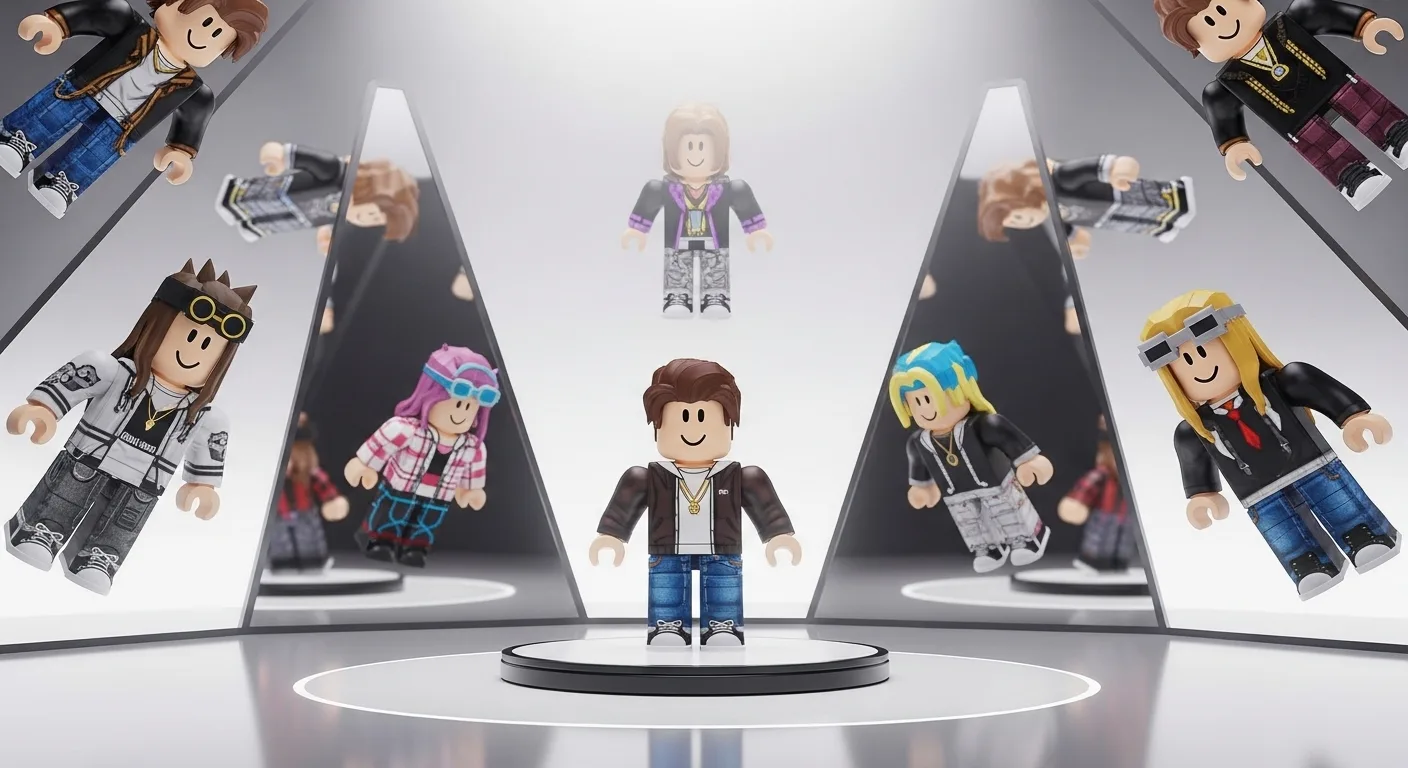

We have all made the mistake: You spend 400 Robux on a cool hair and a hoodie, you load into a game, and… it clips through your head, the colors don’t match, and you look terrible. You just wasted $5.
Stop buying blindly.
Catalog Avatar Creator (CAC) is the most powerful tool on Roblox. It is basically a “Dressing Room Simulator” where you can wear any item in the catalog for free (inside that game). It is used by 99% of top fashion players to design their fits before spending a single Robux.
Here is how to use it to look rich, find “Fake Headless” combos, and save your outfits for later.
👕 Why Use CAC Instead of the Shop?
The official Roblox website/app shop is bad. It doesn’t let you:
- Test Layered Clothing: See if that jacket fits over your shirt.
- Adjust Accessories: Move your hat up/down/left/right.
- See In-Game Lighting: Items look different in a game than on a white webpage background.
- Save Unlimited Outfits: Roblox only lets you save a few. CAC lets you save hundreds.
🔍 Step 1: Finding the “Rich” Look (Community Outfits)
You don’t need to be a designer. You can just copy the pros.
- Load into the Game: Search “Catalog Avatar Creator” (It has a purple icon).
- Click “Community Outfits”: This is the button on the left menu.
- The Filter: This is where the magic happens. Search for keywords like:
- “Preppy” (Cute, pink/white, expensive look).
- “Y2K” (Grunge, dark, street style).
- “Drip” (Expensive brands, Dominus, Valkyrie).
- “Emo” (Black and white, gothic).
- Try It On: Click any outfit. Your character transforms instantly.
- Cost Check: Look at the bottom right. It will tell you the Total Price. “15,000 Robux? No thanks.” Keep looking until you find a budget version.
🎩 Step 2: The “Fake Rich” Method (UGC Combos)
This is the main reason people use CAC in 2026. You want to see if a “Fake Headless” actually works.
- Search Catalog: Click the “+” button to add items.
- Type: “Glass Head” or “Outline Head.”
- Add Hair: Put on your favorite hair.
- Check Angles: Rotate your camera 360 degrees.
- Does the hair cover the outline?
- Can you see the glass glitch?
- Adjustment Tool: If the hair doesn’t cover the fake head perfectly, use the “Hat Adjustment” tool in CAC to move the hair slightly forward or down.
- Note: You cannot adjust hats in normal Roblox games yet, only in CAC. So make sure it looks good by default if you plan to buy it.
💾 Step 3: Saving & Loading Outfits
Once you made the perfect fit, you need to save it.
- Save in CAC: Click the Save icon (Floppy Disk). Name it (e.g., “Main Blue Fit”).
- The Outfit Code: Click “Share” to get a unique Code (e.g.,
184920).- Why this matters: You can give this code to your friends, and they can load your exact outfit to match you.
- Buying It: When you have the Robux, click the “Buy” button next to each item in the list. It purchases it directly from Roblox.
📸 Step 4: Free GFX (Profile Pictures)
You don’t need to buy the items to use them for your Social Media profile picture.
- Create your dream outfit (Cost: 1,000,000 Robux). Who cares? You aren’t buying it.
- Click “Effects”: Open the effects menu.
- Pose Tool: Change your pose to something cool (floating, fighting, sitting).
- Background: Change the background to a Green Screen or a cool scenery.
- Screenshot: Take a screenshot.
- Crop it: Use this as your Discord or TikTok PFP.
- Result: Everyone thinks you are rich, but you spent 0 Robux.
🏃 Importing to Other Games (Da Hood / Berry Avenue)
Many RP games now have a “Load Outfit ID” button.
- In CAC: Save your outfit and copy the Outfit Code.
- In Berry Avenue: Go to the Avatar Editor -> Import ID.
- Paste the Code: Boom. Your outfit loads inside Berry Avenue.
- Note: This only works if you OWN the items in your real Roblox inventory. You cannot import items you haven’t bought yet into other games.
💡 Pro Tip
Check the “Created By” Name. When buying UGC items in 2026, be careful.
- If you see a “Dominus” for 50 Robux, check the creator. If it’s a brand new group with 0 followers, do not buy it.
- It is likely a “stolen mesh” and will get deleted by Roblox in 24 hours. You might not get a refund. Only buy fake limiteds from established UGC creators.