
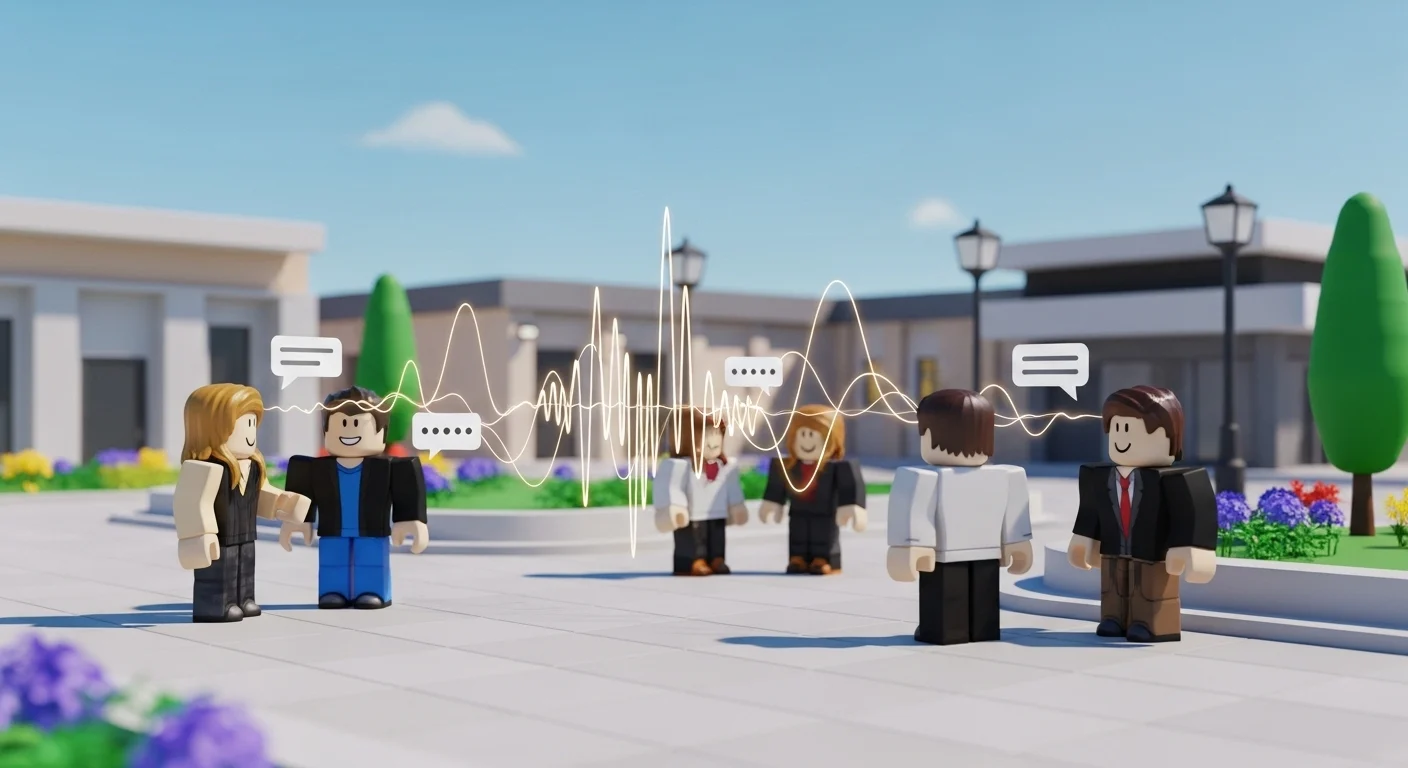

If you are typing in the chat bubble above your head, you are playing in the past.
Spatial Voice (Voice Chat) is essential. Whether you are coordinating a raid in Deepwoken, screaming for your life in The Mimic, or just hanging out in Catalog Avatar Creator, you need a mic.
For years, Roblox demanded you upload a photo of your Government ID or Passport to get VC. It was a privacy nightmare. Good news: In 2026, the requirements have relaxed. You can now enable Voice Chat without uploading ID in most regions.
Here is the updated guide to getting verified instantly.
📱 Method 1: The “Phone Number” Trick (No ID Required)
This is the method everyone uses now. Roblox found that a verified phone number is “proof enough” that you aren’t a bot.
Requirements:
- You must be 13+ (Your account birthdate must reflect this).
- You must have a valid Mobile Phone Number.
The Steps:
- Log into Roblox on your Browser or App.
- Go to Settings (The gear icon).
- Click on Account Info.
- Look for the “Phone Number” section.
- Add Phone: Enter your number. You will receive a 6-digit SMS code. Enter it to verify.
- Note: A single phone number can only verify one Roblox account for VC at a time. If you use your mom’s number that is linked to your brother’s account, it might kick his VC off.
- Once the phone is verified, refresh the page.
Now, Enable VC:
- Go to the Privacy tab in Settings.
- Scroll down to Microphone and Camera Input.
- Toggle the switch for “Use microphone to chat with voice” to ON.
- The button should turn Green. You are done!
🪪 Method 2: The ID Verification (The “Guaranteed” Way)
If Method 1 didn’t work (sometimes it happens in specific regions or on brand new accounts), you have to do it the old-fashioned way.
- Go to Settings -> Account Info.
- Click “Verify My Age”.
- You will see a QR code. Scan it with your phone.
- The Document: You need a Passport, Driver’s License, or State ID card. (School IDs usually do not work).
- The Selfie: The app will ask you to take a selfie to prove you are the person on the ID.
- Wait Time: In 2026, the AI verification is instant. It takes about 60 seconds.
🎙️ How to Use Voice Chat In-Game
Once enabled in settings, it doesn’t just turn on automatically.
- Join a VC-Enabled Game: Look for the “Microphone” icon in the game description. Not all games allow VC (e.g., Tower of Hell usually doesn’t).
- The Bubble: You will see a microphone bubble above your avatar’s head.
- Mute/Unmute: Click the bubble to mute or unmute yourself.
- Red line: Muted.
- No line/Green level: You are broadcasting.
- Who can hear you? Only players close to your avatar (Spatial). If you walk away, your voice fades out.
🚫 Troubleshooting: “Why is the button grayed out?”
If you verified your phone but still can’t turn on VC, here is why:
- Under 13: Double-check your account birthday. If you set your age to 2018 when you made the account, you are trapped. You cannot change an Under-13 age to Over-13 easily without contacting support.
- Region Lock: Some countries (like UAE or Saudi Arabia) block VoIP services. If you live there, VC might be disabled by local laws. A VPN might fix this, but be careful with ping.
- Beta Feature: Sometimes Roblox toggles the feature off for maintenance. Check the status page.
🚨 Important: The “AI Moderation” Warning
Roblox Voice Chat is not unmoderated.
- The AI Listener: Roblox uses live AI to scan voice chat for hate speech, bullying, or inappropriate language.
- The Ban: If you scream slurs in Da Hood, you don’t just lose VC; your entire Roblox account can be banned or suspended.
- Advice: Trash talk helps to relieve stress, but avoid “forbidden words”. The AI has already learned to be sensitive and will track you in almost real time.