
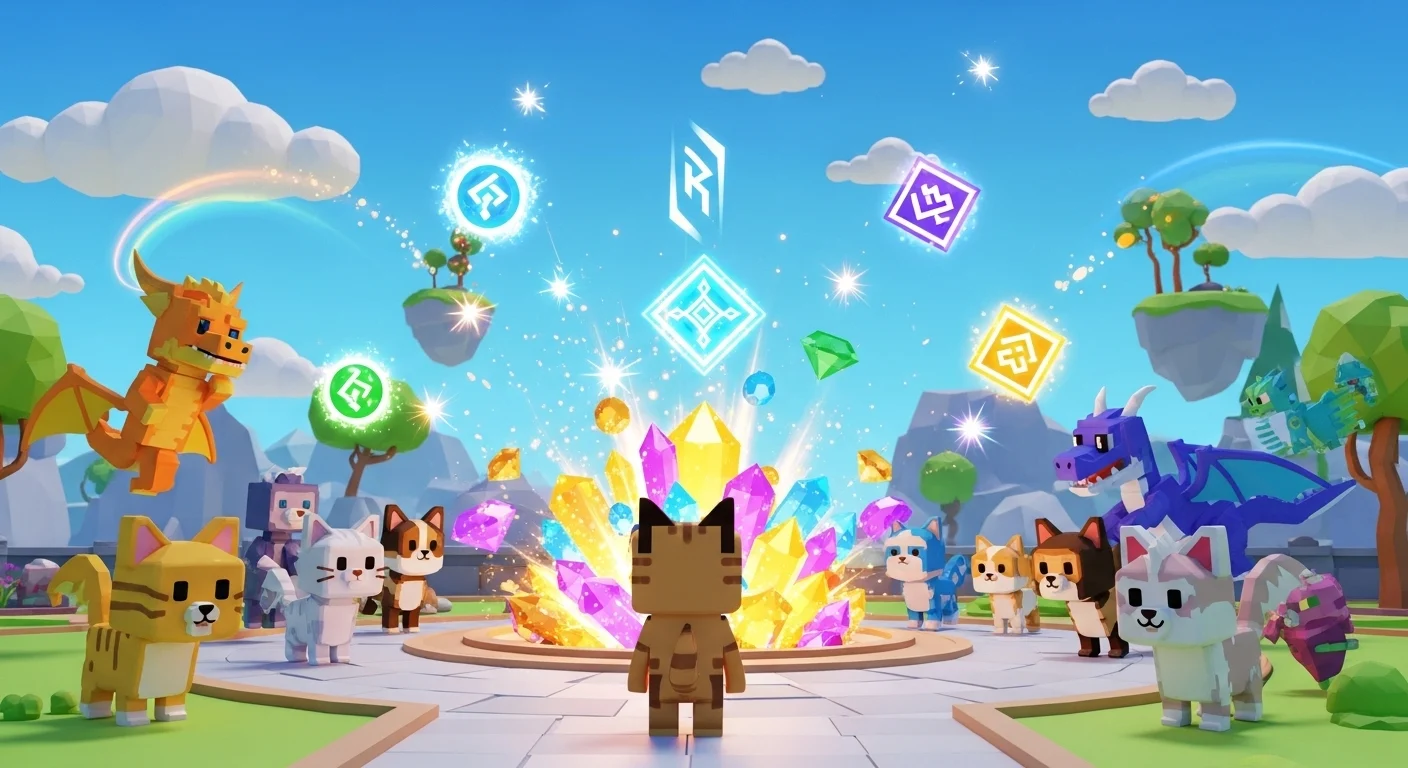

The Reality Check: Unlike Pet Simulator X, Pet Simulator 99 has NO active public codes for January 2026.
The developer, BIG Games (Preston), has shifted entirely to a “Merch Code” system. If you see a YouTube video or website claiming to have a “New 1 Million Gem Code” for 2026, it is fake.
🧸 Merch Codes (The Only Real Codes)
The only way to redeem a code in PS99 is by purchasing physical merchandise (Plushies, Toys, or Playsets) from the BIG Games store or retailers like Target/Walmart.
- How it works: Each toy comes with a physical tag containing a unique, one-time-use code.
- The Reward: Redeeming this code grants you a Huge Pet or an Exclusive Egg in-game.
- Warning: Never buy “digital codes” from other players. They are almost always already redeemed or scams.
❌ The “Don’t Waste Your Time” List (Fake/Rumors)
You might see these circulating online. Do not try them; they do not work.
PETSIM99– FAKERELEASE– FAKENEWYEAR2026– FAKEPRESTON– FAKE
🔓 Preston’s Secret Shop (Area 35)
There is a “Secret Code” keypad in Area 35 (The Tunnel).
- Current Status: UNKNOWN.
- No public code has been discovered for this keypad yet. It is widely believed to be a placeholder for a future event or a developer-only feature. Do not waste hours guessing numbers.
💎 How to Actually Get Free Gems in 2026
Since codes are not an option, here is the F2P meta for January 2026:
- Rank Rewards:
- Focus entirely on Ranking Up. Every time you rank up, you get bundles of Gems, Enchants, and Potions. This is your primary income source.
- The Daycare:
- Put your best unused pets in the Daycare every day. It yields massive amounts of Gems and Coins while you are offline.
- Free Gift Timer:
- Stay in the game (AFK) to unlock the 12 “Free Gifts” at the top of the screen. The final gift usually contains a Bundle of Enchants or a high-tier potion.
- Social Rewards:
- Verify your Twitter/X account on the reward board in the Spawn area to get a permanent +1% EXP Buff (this is the only “code-like” interaction in the game).
📝 How to Redeem (If you buy a Plushie)
- Open Menu: Press the “Pet” icon at the bottom of the screen.
- Shop Icon: Click the Shopping Cart (Exclusive Shop).
- Scroll Down: Go all the way to the bottom.
- Redeem: Click the “Redeem Merch Code” banner and type the code found on your toy’s tag.