
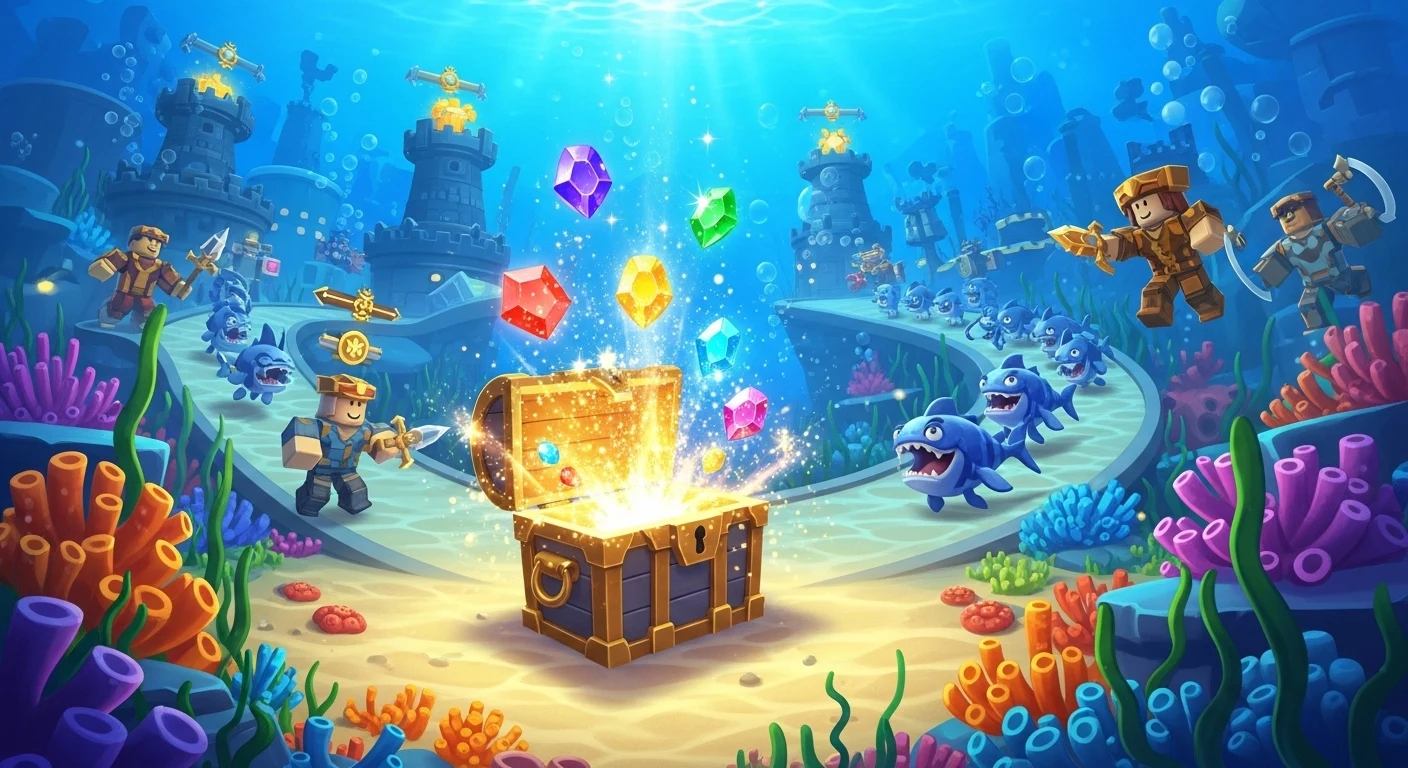

SpongeBob Tower Defense by the Krabby Krew development team has taken Roblox by storm in 2026, bringing the chaotic, nostalgic energy of Bikini Bottom into a highly polished, classic Tower Defense format. Instead of the usual generic anime fighters, players must strategically place iconic characters like SpongeBob, Patrick Star, Mr. Krabs, and Squidward to defend the Krusty Krab and other beloved landmarks from endless waves of Plankton’s robotic minions.
However, the game’s economy is notoriously tough on beginners. Upgrading your favorite Bikini Bottom residents into their ultimate, overpowered forms—like “Handsome Squidward” or “Karate Sandy”—is incredibly expensive. Luckily, the developers drop codes frequently to help Free-to-Play users keep up. The February 2026 code list is absolutely packed with premium rewards, including free Trait Rerolls, Pet Crates, and Mythic Chests.
🛑 The Level 10 Requirement (Read Before Redeeming)
Unlike most Roblox games where you can redeem codes the second you log in, SpongeBob Tower Defense features a strict Player Level 10 requirement. The developers implemented this rule to prevent botting and alt-account abuse during major updates. If you try to enter a code at Level 1, the game will simply reject it.
To reach Level 10 quickly, we highly recommend grinding the “Jellyfish Fields” map on Normal difficulty. It provides the best XP-to-time ratio for new players and can be completed easily with basic starter units.
💎 Top Active Codes (February 2026)
Once you have hit the Level 10 milestone, redeem these codes immediately before they expire or rotate out of the game’s active list!
BFFBACK4EVER– Redeem for 1 Secret Treasure Chest (Newest!)KetchupORMustard– Redeem for 25 Gold Trait Rerolls, 25 Magic Conches & 50 Mythic Chests (Extremely High Value)NeedMorePets– Redeem for 25 Pet CratesServiceCrash– Redeem for 1 Exotic Chest & 50 Mythic Treasure Chests
📝 How to Redeem Your Codes
The redemption menu is slightly hidden within the game’s UI. Follow these exact steps to claim your free chests and conches:
- Launch Game: Open SpongeBob Tower Defense on Roblox and load into the main lobby area.
- Level Up: Verify your player level at the top of the screen. Ensure you have played enough matches to reach at least Level 10.
- Open Shop: Click the large, brightly colored “Shop” button located on the left side of your screen.
- Click Codes: Inside the Shop menu interface, look for the “Codes” button. It is uniquely designed to look like a purple Magic Conch Shell.
- Redeem: Paste or type your code exactly as shown in our list into the text box, then press Enter to claim your rewards!
🍔 Pro Tip: The Magic Conch Strategy
Do Not Waste Your Conches: You will receive a massive amount of Magic Conches from the
KetchupORMustardcode. Save them! In this game, Magic Conches act as premium gacha summoning tickets. They are the only way to summon exclusive, high-tier Mythic and Exotic units that cannot be bought with standard coins. Instead of spending them the moment you get them, wait until the developers activate a “Bikini Bottom Luck Event” (which frequently happens on weekends or during the current February Valentine’s update). Stacking your free Conches during a 2x Luck Event mathematically guarantees you will pull a game-changing unit to carry you through Infinite Mode!