
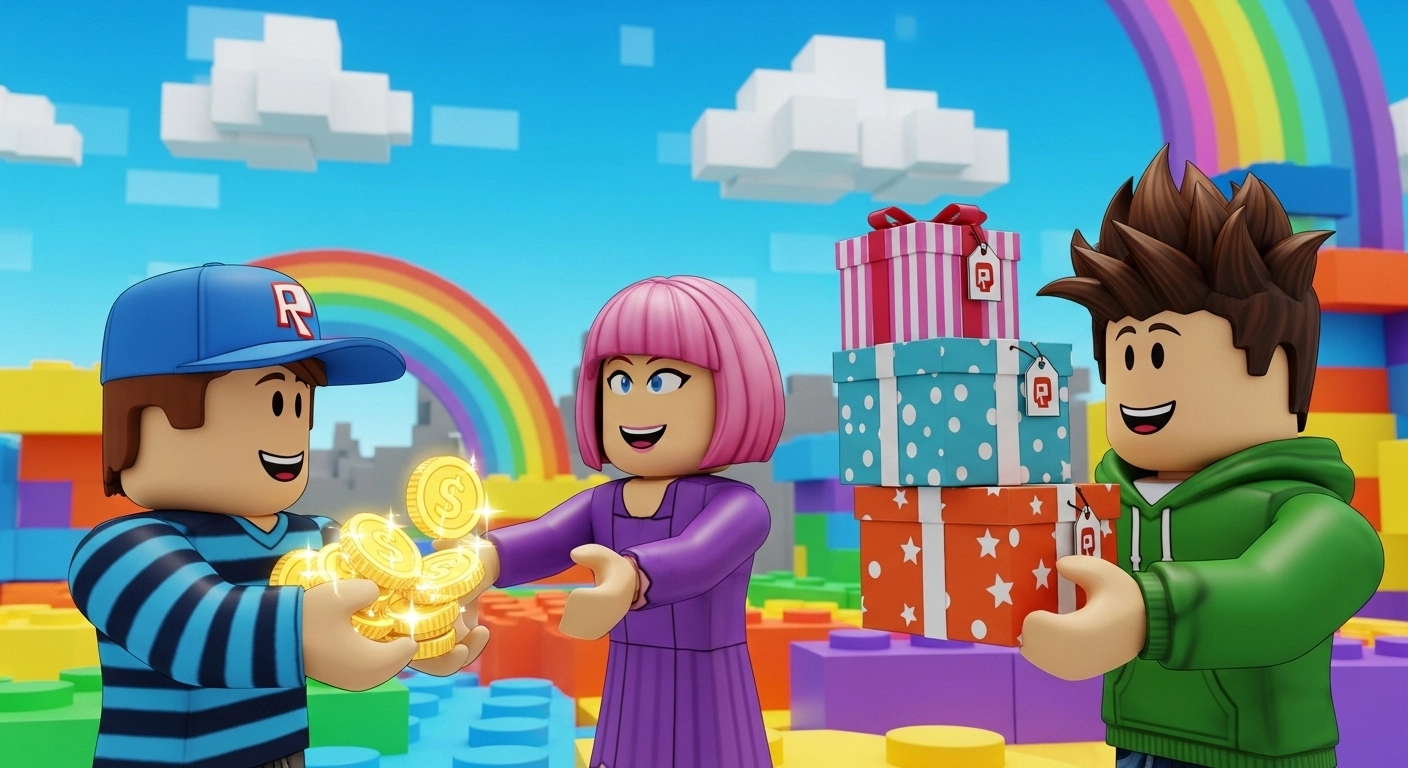

Managing your Roblox balance effectively often means sharing the wealth with friends or transferring funds between accounts. While there isn’t a simple “send” button in the settings menu, the Game Pass method and Group Payouts remain the most reliable ways to transfer credit.
In this comprehensive guide, we will explore every legitimate method to send Robux, including a deep dive into how to minimize or avoid the 30% marketplace fee, ensuring your friends get the maximum value possible.
Understanding the Roblox Tax
Before sending a single Robux, you must understand the Roblox Marketplace Fee. When you buy an item or a pass from another user, Roblox retains 30% of the transaction. This is a platform-wide rule designed to control inflation within the virtual economy.
- The Math: If you want your friend to receive exactly 70 Robux, you must set the price at 100 Robux.
- The Wait: Funds from sales are held in “Pending” status for 5 to 7 days for security reasons.
Robux Conversion Table (After Tax)
| Amount You Pay | Friend Receives (70%) | Roblox Fee (30%) |
| 50 Robux | 35 Robux | 15 Robux |
| 100 Robux | 70 Robux | 30 Robux |
| 500 Robux | 350 Robux | 150 Robux |
| 1,000 Robux | 700 Robux | 300 Robux |
Can You Send Robux Without the 30% Tax?
This is the most asked question in the community. While the “Game Pass” method always incurs a tax, there are specific strategies to “get around” it or at least ensure no extra money is lost.
Method A: Group Payouts (The 0% Fee Trick)
The only way to send Robux with 0% additional tax during the transfer is through Group Payouts. However, there is a catch: the Robux must already be in the Group Funds.
- Requirement: You must own a Roblox Group (costs 100 Robux to create).
- The Process: Once Robux is in the group (from selling group clothing or items), you can distribute it to members via “One-Time Payouts.”
- The Benefit: Moving Robux from Group Funds to a member’s wallet has zero fee.
- Note: You cannot “deposit” Robux directly from your personal wallet into a group without paying the initial 30% tax on a group item. This method is best for creators who already earn Robux through their groups.
Method B: Roblox Gift Cards (Total Tax Avoidance)
If you haven’t bought the Robux yet, the smartest way to “send” it without losing 30% is via Digital Gift Cards.
- Why it works: You buy a $10 card, and your friend redeems 800+ Robux.
- No Tax: Since it’s a direct redemption, Roblox doesn’t take a cut of the virtual currency. This is the most efficient way for gifting.
The Most Popular Way: The Game Pass Method
If the Robux is already in your account, the Game Pass method is your best bet. Here is the technical breakdown for the receiver:
Step 1: Accessing the Creator Dashboard
The person receiving the Robux must go to a web browser (Chrome or Safari).
- Log into Roblox.com.
- Click the “Create” tab.
- Select “Dashboard” from the top menu.
Step 2: Creating the “Donation” Pass
- Under Creations, click on your default “Place” (everyone has one).
- On the left sidebar, click Associated Items (or Monetization Products > Passes).
- Click Create a Pass. Upload any image and name it “Gift.”
- Once created, click on the pass again, go to Sales, and toggle Item for Sale.
- Enter the Price: If your friend is giving you 100 Robux, type “100”.
Step 3: Completing the Transfer
The Sender must now visit the Receiver’s profile, click on their Experiences, go to the Store tab, and buy that Pass. The Robux will now move to “Pending” status in the receiver’s account.
How to Send Robux on Mobile (iOS/Android)
Sending Robux on mobile is slightly different because the Roblox App restricts the “Create” features.
- Open your mobile browser (not the app).
- Go to Roblox.com and log in.
- Tap the “AA” icon (on iPhone) or the three dots (on Android) and select “Request Desktop Website”.
- Follow the same “Create Pass” steps mentioned above. Without the “Desktop View,” you won’t be able to see the full Creator Dashboard.
Security Checklist & Pro-Tips
To ensure a smooth transfer and protect your account, follow these expert guidelines:
- Verify Usernames: Always double-check the Display Name vs. the Username. Scammers often use similar names to steal “donations.”
- Check the Store Tab: If you can’t find your friend’s pass, make sure their “Experience” is set to Public. Private experiences won’t show the store to other players.
- Monitor Transactions: You can track the progress of your sent Robux by clicking your Robux balance and selecting “My Transactions.” This shows exactly when the “Pending Robux” will be available.
Summary: Which Method Should You Use?
- For Gifting: Use Digital Gift Cards (0% loss).
- For Frequent Transfers: Use Group Payouts (0% transfer fee).
- For Quick, One-Time Transfers: Use the Game Pass Method (30% tax applies).
By following these steps, you ensure that your Robux transfers are handled safely and according to Roblox’s Terms of Service, avoiding any risk of account bans.