
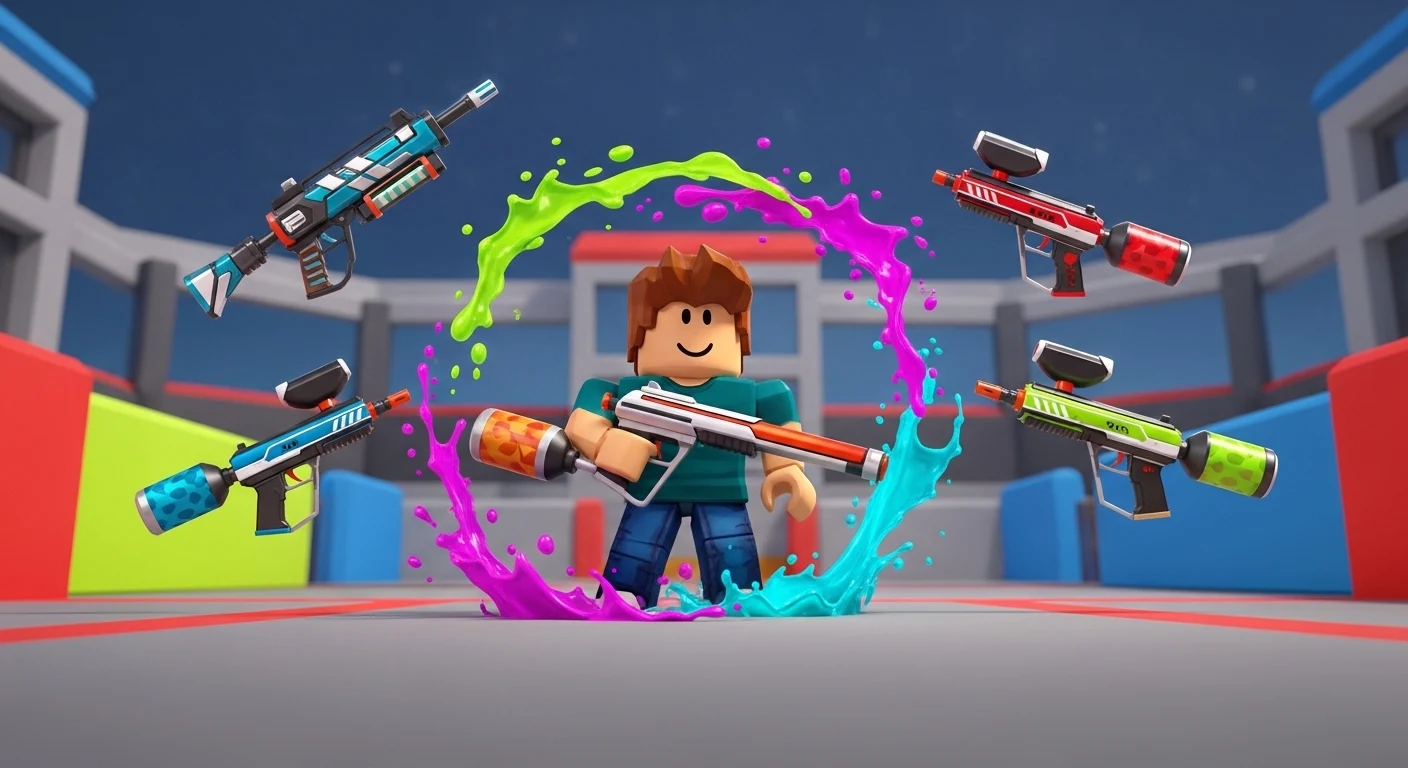

In Big Paintball 2, guns aren’t just cosmetic; they define your fire rate and kill potential. Grinding millions of credits to unlock the Minigun or the Dark Matter Rifle takes ages. The 2026 script meta shortcuts this process entirely.
Whether you want to farm credits passively or dominate the lobby with aim assistance that looks completely natural, these are the tools you need.
🔥 Features Breakdown
- Unlock All Guns (Client-Side / Visual):
- Force Equip: Allows you to equip any gun in the game locally to test its fire rate and recoil pattern before buying it.
- Rapid Fire (Mod): Modifies the fire rate of starter guns to match high-tier weapons (e.g., turning the default rifle into a laser beam).
- Silent Aim (The “Ghost” Hit):
- Redirect Logic: You don’t need to aim at the player. If your crosshair is near them, the paintball curves to hit their hitbox.
- Wall Check: Ensures the aimbot only targets visible enemies so you don’t shoot walls and look suspicious.
- Kill Aura: (Rage Mode) Automatically tags enemies in a 360-degree radius around you (High Ban Risk).
- ESP & Radar:
- Tracers: Draws lines to every enemy on the map, so you know where the spawn trap is.
- Distance ESP: Shows exactly how far away a target is, helping you arc your shots perfectly for long-range snipes.
🛡️ Safety Check: Is it Safe?
- Status: USE WITH CAUTION.
- Currency Warning: There is NO script to “Unlock All Guns” permanently on the server side without paying credits. Real unlocks require farming. Scripts that claim “Free Guns” are usually visual only.
- Detection: Big Paintball 2 uses basic Roblox physics. “Silent Aim” is safe if you keep the FOV low. “Rapid Fire” is easily detected if you shoot too fast.
- Recommendation: Use the script to Auto Farm Credits (via Kill Aura/AFK) and buy the guns legitimately to keep your account safe.
💉 Injection Tutorial
- Launch Roblox: Open Big Paintball 2.
- Open Executor: Launch Solara, Wave, or Incognito.
- Copy Script: Get the raw Lua code from the verified Hubhobux link below.
- Inject: Click the attach icon on your executor.
- Execute: Paste the code into the text editor and hit Execute.
- Toggle Menu: Press
Right Shift. Enable “ESP” and “Silent Aim” (FOV: 50) for the best experience.
⚠️ Disclaimer
Educational Purposes Only: This content is strictly for educational and testing purposes. We do not encourage hacking or violating Roblox’s Terms of Service. Using third-party software can result in account bans. Use at your own risk.