
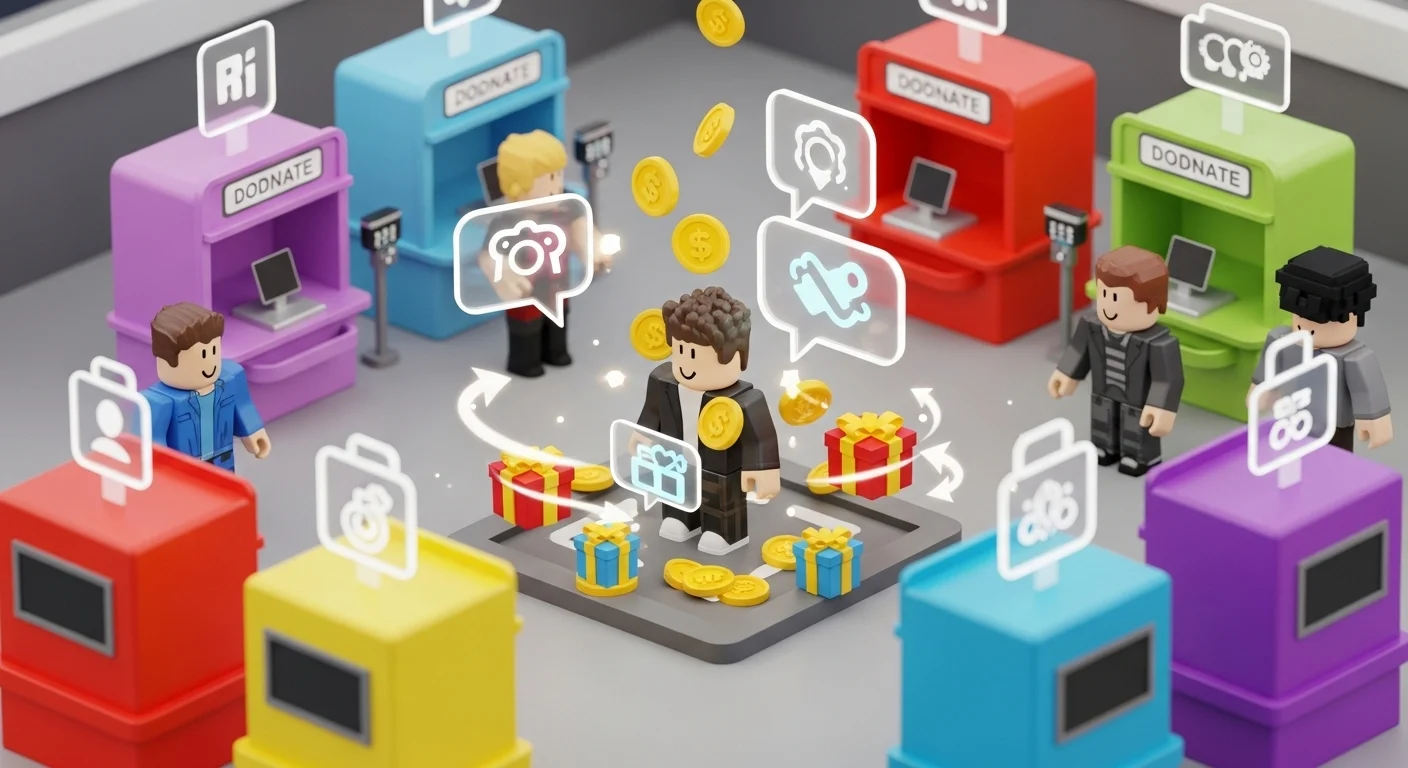

Pls Donate is the ultimate social experiment on Roblox. The goal is simple: stand at a booth and convince people to give you Robux. But doing this manually is tedious and often results in zero income. The 2026 script meta automates the social engineering, allowing your avatar to interact, beg, and hop servers to find wealthy players entirely on autopilot.
Whether you want to run a 24/7 AFK booth or troll streamers with visual glitches, here is the toolkit.
🔥 Features Breakdown
- Auto Beg & Chat Bot:
- Smart AI Chat: Unlike basic spammers, this bot detects when a player walks near your booth and triggers a specific greeting (e.g., “Hi [User], selling art for 5 Robux!”).
- Message Rotation: Cycles through a list of custom messages to avoid Roblox’s spam filter.
- Thank You Bot: Automatically sends a “Thank You” message in chat or performs an emote whenever someone actually donates.
- Fake Donation (Visual Prank):
- Fake Millions: Triggers the massive “Global Donation” effect (Nuke/blimp/fireworks) on your screen or a streamer’s screen (if they are using specific client-side plugins). Note: This does not generate real Robux; it is a visual prank.
- Chat Spoofer: Simulates system messages in the chat box making it look like you just received or donated 100,000 Robux to bait reactions.
- Server Hop & Rich Finder:
- Rich Server Scanner: Scans the server list for lobbies with high “Total Raised” amounts or players with Voice Chat enabled (who are statistically more generous).
- Auto Reconnect: If a server is dead (no donations for 10 minutes), the script automatically hops to a new one.
- Booth Automation:
- Auto Edit: Changes your booth text dynamically to catch attention (e.g., “Goal: 10/100” -> “Goal: 15/100”).
- AFK Dance: Loops specific emotes to keep your character moving so you don’t get disconnected for inactivity.
🛡️ Safety Check: Is it Safe?
- Status: MODERATE RISK.
- Chat Bans: The biggest risk is Roblox’s automod. If your “Auto Beg” spams the same message too fast, you will get a warning or ban for spamming. Set the delay to at least 15 seconds.
- Scam Warning: NEVER trust a script that asks for your password or claims to “Generate Robux” directly. Pls Donate scripts can only automate asking for Robux.
- Trolling: Using Fake Donation visuals is generally safe, but harassing players can lead to manual reports.
💉 Injection Tutorial
- Launch Roblox: Open Pls Donate and claim a booth.
- Open Executor: Launch Solara, Wave, or Incognito.
- Copy Script: Get the raw Lua code from the verified Hubhobux link below (Look for Unfair Hub or Venyx versions).
- Inject: Click the attach icon on your executor.
- Execute: Paste the code into the text editor and hit Execute.
- Config: Open the GUI. Go to the “Chat” tab, enter your custom messages, and set the “Server Hop” delay.
⚠️ Disclaimer
Educational Purposes Only: This content is strictly for educational and testing purposes. We do not encourage hacking or violating Roblox’s Terms of Service. Spamming chat can result in account moderation. Use at your own risk.