
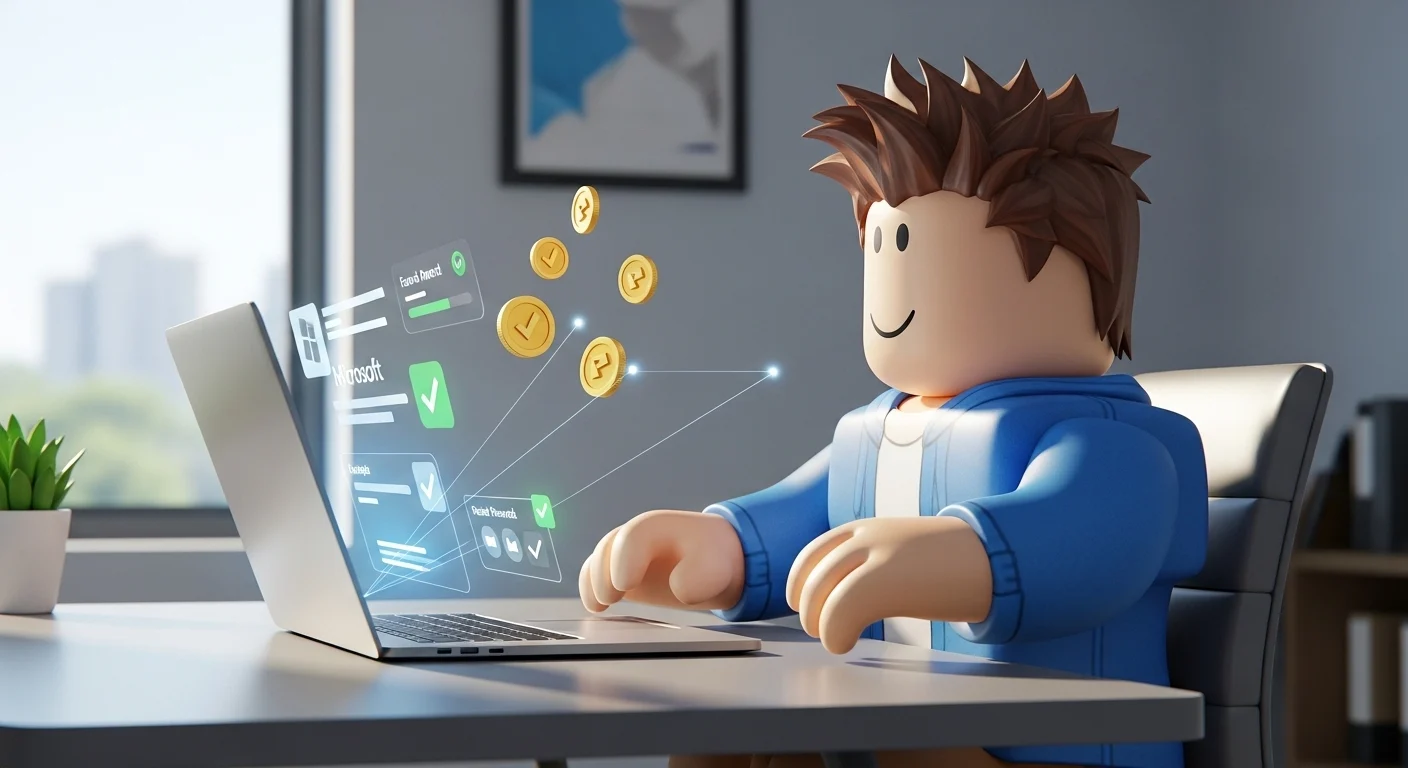

If you have ever searched for “robux free” on Google, you have likely encountered hundreds of scam sites, fake generators, and suspicious links. Let’s be clear right now: Robux generators do not exist. Using them puts your account and your personal data at risk.
However, there is one exception. A completely legal, safe, and official partnership exists between two tech giants: Microsoft and Roblox.
In this guide, we will break down exactly how to use Microsoft Rewards to fund your Roblox account. This isn’t a “glitch”; it is a loyalty program where you trade your time and search habits for digital currency. Whether you are in the US, UK, or Canada, this is the safest method to get robux for roblox without opening your wallet.
What is Microsoft Rewards? (And Why Is It Safe?)
Microsoft Rewards is a free program that rewards you for doing what you already do every day: searching the web. Microsoft wants you to use their search engine (Bing) and their browser (Edge) instead of Google or Chrome.
To incentivize this, they pay you in points. Once you accumulate enough points, you can exchange them for a Digital Roblox Gift Card.
- No Passwords Required: You never have to give your Roblox password to Microsoft.
- No Downloads: You don’t need to download sketchy software (though the Bing App helps).
- Official Partnership: The redemption code comes directly from Microsoft and works globally.
Step 1: Setting Up Your Earning Ecosystem
To maximize your earnings, you shouldn’t just rely on one device. The “Pro” strategy involves using a PC, a Smartphone, and the Xbox App to hit your daily caps.
1. Create a Microsoft Account
If you have an Outlook, Hotmail, or Xbox Live account, you already have one. If not, sign up for free.
2. The “Level 2” Goal
When you start, you are at Level 1. Your goal is to reach Level 2 as fast as possible.
- Level 1: You can only earn a limited number of points per day.
- Level 2: Unlocks once you earn 500 points in a month. This multiplies your earning potential by five times.
Pro Tip: Users in the US, UK, and Canada have significantly higher point caps than the rest of the world. Take advantage of this!
Step 2: The Daily Routine to Maximize Points
You don’t need to spend hours on this. A focused 5-minute routine every morning is enough. Here is the checklist to ensure you never miss robux deals:
💻 On Your Computer (PC/Laptop)
- Daily Set: Complete the 3 daily activities on the Rewards Dashboard (usually a poll, a quiz, and a click-through). This builds your “Streak.”
- PC Searches: Search on Bing using the Edge browser.
- Limit: 150 Points (Level 2).
- Action: Perform 30 unique searches.
📱 On Your Mobile (Bing App)
Do not skip this! Mobile searches have a separate point pool.
- Mobile Searches: Open the Bing App or Start App on your phone.
- Limit: 100 Points.
- Action: Perform 20 unique searches.
🎮 The Xbox App Bonus (Secret Weapon)
Many users miss this. Even if you don’t own an Xbox console, download the Xbox App on PC.
- Play a PC Game: Launch a game like Solitaire strictly through the Xbox App creates extra points.
- Use the Xbox Mobile App: There is often a “Tap here to earn” bonus in the profile section.
The Robux Calculator: How Much is Your Time Worth?
Understanding the conversion rate is crucial. While prices fluctuate slightly based on your region, here is a standard robux calculator breakdown for the Microsoft Rewards store:
| Reward Tier | Points Required (Approx.) | Value |
| 100 Robux | 1,500 Points | Entry Level |
| 200 Robux | 3,000 Points | Quick Redemption |
| 400 Robux | 6,000 Points | Standard |
| 800 Robux | 12,000 Points | Best Value |
| 1,000 Robux | 15,000 Points | Premium Goal |
Is it worth it?
If you maximize your daily searches and streaks in the US market, you can earn roughly 300 to 500 points per day.
- This means you can earn a 100 Robux code every 3 to 5 days.
- In a month, that is roughly 600 to 1,000 Robux completely free.
Compared to buying packages directly, this is the ultimate method to get robux for cheaper (free is technically infinitely cheaper!).
Step 3: How to Redeem Your Robux
Once you have hit your target (e.g., 1,500 points), follow these steps carefully to ensure the robux redeem process works flawlessly.
- Go to the Redeem Page: Navigate to the Microsoft Rewards “Redeem” tab.
- Search for Roblox: Type “Roblox” in the search bar. Do not confuse it with “Xbox Gift Cards.”
- Select Amount: Choose the digital code amount you want (e.g., 100 Robux).
- Confirm Reward: Click “Redeem Reward.” Microsoft will send a verification code to your email or phone number.
- Get the PIN: Once verified, the digital PIN code will be sent to your email (usually instantly, but can take up to 24 hours).
How to Activate the Code on Roblox
Do not try to redeem this inside the mobile app. It often fails.
- Open your web browser.
- Go to roblox.com/redeem.
- Log in to your account.
- Paste the PIN code from your email.
- Important: After redeeming, the credit might appear as specific currency ($) or direct Robux depending on the code type. If it is currency, convert it to Robux immediately.
⚠️ Important Safety Warnings (Read Before You Start)
To keep this method working, you must follow the rules. Microsoft is very strict with bans.
- VPNs are Prohibited: Do not use a VPN to pretend you are in the US or UK to get more points. Microsoft’s detection system will ban your Rewards account, and you will lose all your points.
- No Automated Scripts: Do not use bots or scripts to auto-search on Bing. The algorithm detects “unnatural search patterns” (like searching “A”, “AA”, “AAA”). Search for real terms like “weather in London” or “best Roblox games 2026”.
- One Account Per Person: While you can have multiple accounts in a household (e.g., siblings), having 10 accounts for one person is a violation of Terms of Service.
Conclusion: Consistency is Key
Getting robux for roblox through Microsoft Rewards isn’t an overnight “get rich quick” scheme. It is a slow, steady, and guaranteed method.
By building the habit of using Bing for your daily questions instead of Google, you passively earn currency that can buy cool accessories, Gamepasses, or access to paid games like Bloxburg.
Start your streak today. The sooner you reach Level 2, the sooner you can start funding your avatar’s inventory without asking your parents for a credit card.